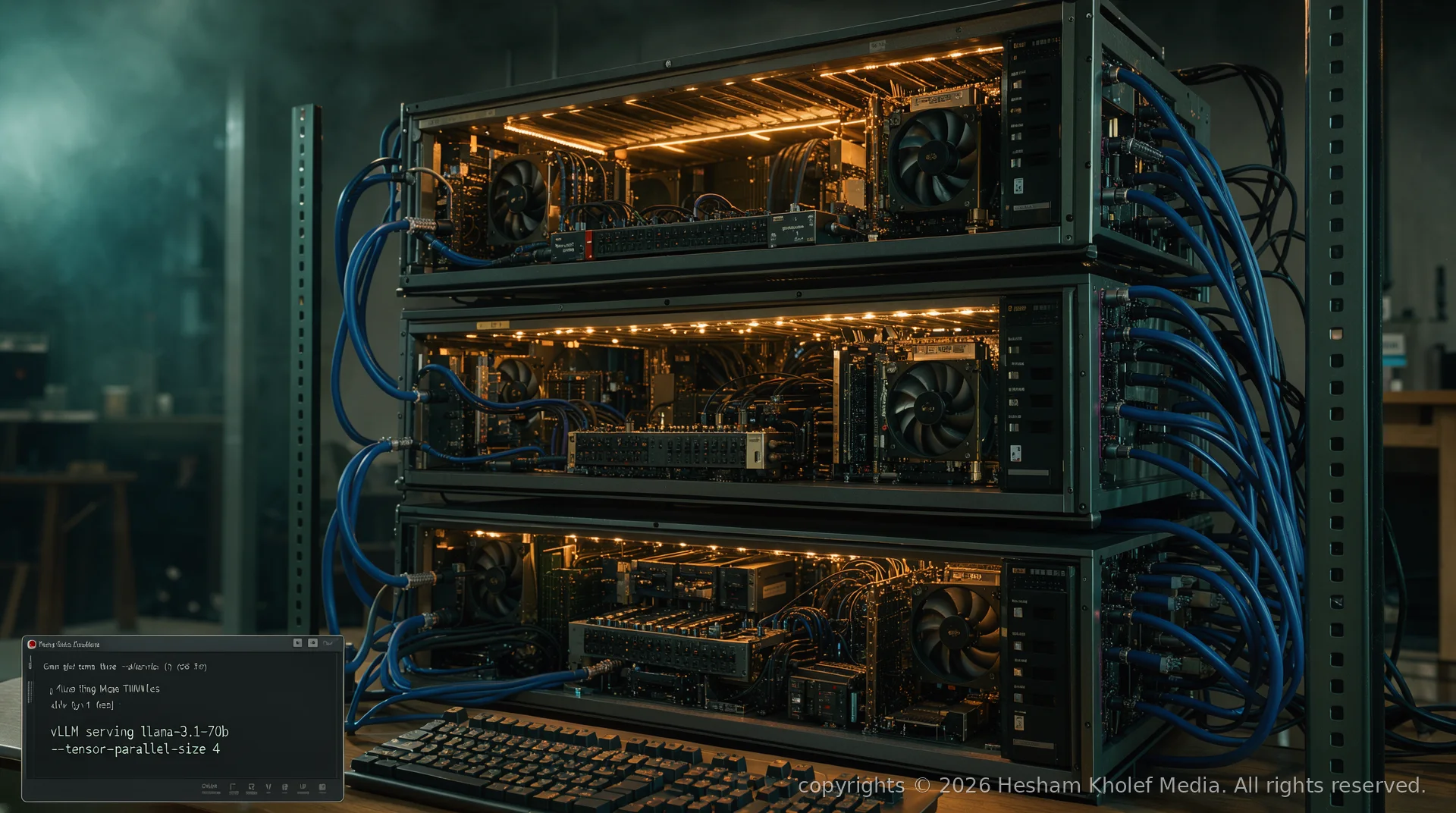
The conversation around local LLM inference has shifted. Two years ago, running a 7B parameter model on a single GPU was a milestone. Today, the baseline for serious work is 70B+ models at interactive latency — and the only way to get there without cloud API bills is distributed inference on consumer hardware.
This guide is a field-tested blueprint for building a private AI inference cluster from repurposed or affordable consumer components. We cover hardware topology, high-speed interconnects, container orchestration, and the vLLM + Ray stack that makes tensor-parallel serving feel local. No enterprise gear required — just curiosity, a few towers, and a willingness to cable them together.
The Case for Sovereign Inference
Cloud LLM APIs are convenient, but they introduce three hard constraints: per-token cost that scales non-linearly with usage, data egress that breaks compliance for regulated workloads, and latency variance that kills real-time applications. A local cluster inverts all three: fixed CapEx, zero data leaving your network, and sub-50ms token-to-token latency on 70B models when architected correctly.
The trade-off is operational ownership. You become the cloud provider — responsible for hardware health, kernel tuning, model quantization decisions, and uptime. For teams and builders who treat AI as infrastructure rather than a service, that ownership is the feature.
Hardware Topology: The 3-Node Baseline
The minimal viable cluster for 70B-class models at FP8/INT4 quantization is three nodes, each contributing 24–48 GB of VRAM. This yields 72–144 GB aggregate — enough for Llama-3.1-70B-Instruct at 4-bit with room for KV cache and concurrency.
Node Specification (Per Unit)
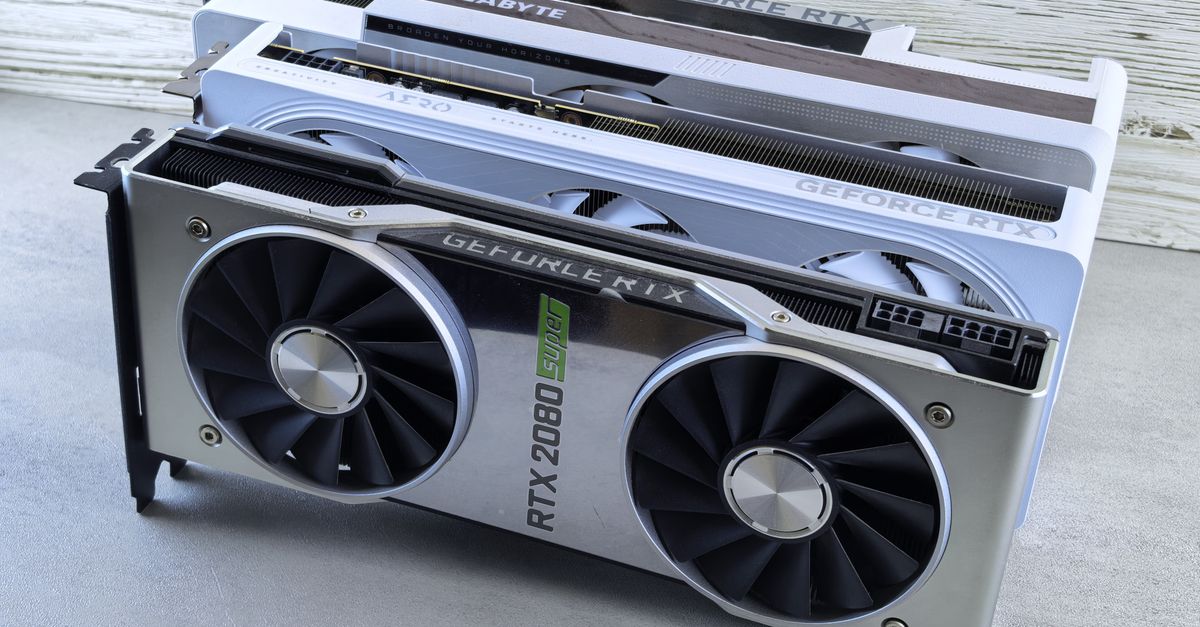
- GPU: 2× RTX 3090/4090 (24 GB each) or 1× RTX 6000 Ada (48 GB) — consumer cards with NVLink support preferred
- CPU: AMD Ryzen 9 7950X / Intel Core i9-13900K — high single-thread for tokenizer + orchestration overhead
- RAM: 128–256 GB DDR5-5600 ECC (critical for model offload and system stability)
- Storage: 2× 4 TB NVMe RAID 0 (model weights) + 1 TB OS drive
- Network: Dual 10 GbE NICs (one for cluster interconnect, one for client ingress)
- Power: 1600 W Platinum PSU per node — budget 1200 W sustained under load
# Quick VRAM audit per node
nvidia-smi --query-gpu=name,memory.total --format=csv
# Target: ≥ 48 GB aggregate per node for 70B@4bit comfort
Interconnect: Why 10 GbE Minimum
Tensor-parallel inference requires moving partial activations between GPUs every layer. At 70B/4-bit, each forward pass shuffles ~2–4 GB of intermediate tensors per token across the cluster. 1 GbE saturates at ~110 MB/s — you'll see 200–400 ms inter-node latency per token. 10 GbE drops that to 20–40 ms. 25 GbE or 100 GbE (ConnectX-6/7) is ideal if budget allows.
"The network is the computer — and in distributed inference, the network is the model."
— Hesham Kholef
Software Stack: vLLM + Ray + Kubernetes
The serving stack has converged. vLLM provides PagedAttention, continuous batching, and tensor-parallel engine. Ray handles distributed scheduling, placement groups, and fault tolerance. Kubernetes (k3s or Talos) gives you declarative rolling updates, GPU resource accounting, and self-healing.
Cluster Bootstrap (k3s + GPU Operator)
# On each node: install k3s with GPU support
curl -sfL https://get.k3s.io | INSTALL_K3S_EXEC="--gpu" sh -

# Verify GPU visibility
kubectl get nodes -o custom-columns=NAME:.metadata.name,GPU:.status.capacity.nvidia\.com/gpu

# Install NVIDIA GPU Operator (for device plugin, MIG, DCGM)
helm repo add nvidia https://helm.ngc.nvidia.com/nvidia
helm install gpu-operator nvidia/gpu-operator -n gpu-operator --create-namespace
RayCluster Custom Resource
Define your Ray cluster as a K8s resource — head node + 2 workers, each requesting 2 GPUs:
apiVersion: ray.io/v1
kind: RayCluster
metadata:
  name: llm-cluster
  namespace: ai-serving
spec:
  headGroupSpec:
    rayStartParams:
      dashboard-host: "0.0.0.0"
    template:
      spec:
        containers:
        - name: ray-head
          image: rayproject/ray:2.9.0-py310-cu121
          resources:
            limits:
              nvidia.com/gpu: "2"
              memory: "64Gi"
            requests:
              nvidia.com/gpu: "2"
              memory: "32Gi"
  workerGroupSpecs:
  - replicas: 2
    minReplicas: 2
    maxReplicas: 3
    groupName: inference-workers
    rayStartParams: {}
    template:
      spec:
        containers:
        - name: ray-worker
          image: rayproject/ray:2.9.0-py310-cu121
          resources:
            limits:
              nvidia.com/gpu: "2"
              memory: "96Gi"
            requests:
              nvidia.com/gpu: "2"
              memory: "64Gi"
Model Serving: vLLM OpenAI-Compatible API
Once the Ray cluster is healthy, deploy vLLM as a Ray Serve application. The key flags for tensor-parallel 70B inference:
# Deploy via Ray Serve config (serve.yaml)
serve run serve.yaml

# serve.yaml excerpt:
applications:
- name: vllm-llama31-70b
  import_path: vllm.entrypoints.openai.api_server:app
  args:
    model: "meta-llama/Meta-Llama-3.1-70B-Instruct"
    tensor-parallel-size: 4          # 2 GPUs × 2 nodes
    pipeline-parallel-size: 2        # Optional: split layers across nodes
    dtype: "auto"                    # FP8 on Hopper/Ada, half otherwise
    quantization: "awq"              # Or "gptqmar" for Marlin kernels
    max-model-len: 8192
    gpu-memory-utilization: 0.92
    enforce-eager: false             # CUDA graph capture for decode
    disable-log-requests: true
  ray_actor_options:
    num_gpus: 2
    resources: {"node_type": "inference"}
Quantization Strategy
AWQ (Activation-aware Weight Quantization) 4-bit is the current sweet spot — negligible perplexity loss vs FP16, 4× VRAM reduction, and Marlin kernel support on Ampere+. For Blackwell (RTX 50-series), FP8 native via TensorRT-LLM will obsolete 4-bit quantization entirely.
Always benchmark your specific workload. A 70B coding model at 4-bit AWQ may degrade on complex reasoning tasks vs 8-bit GPTQ. Run your eval suite before committing quantization to production.
Observability: Metrics That Matter
Distributed inference introduces failure modes monolithic serving doesn't: straggler GPUs, NCCL timeout cascades, KV cache fragmentation across shards. Instrument these:
- Time-to-first-token (TTFT) per request percentile (p50, p95, p99)
- Inter-token latency (ITL) — should be < 50 ms for 70B@4-bit on 4× GPU
- GPU utilization per device — imbalance > 15% indicates scheduling or NVLink issues
- NCCL retransmits / timeout counters — early warning for cable/switch degradation
- KV cache hit rate — < 80% suggests context window thrashing
Export via Prometheus + Grafana. The vLLM metrics endpoint (/metrics) exposes all of the above natively.
Operational Playbook: Day 2 Operations

Rolling Model Updates
Blue-green deploy via Ray Serve config versioning. Keep previous revision running until new revision passes smoke tests (latency + correctness on golden eval set).
GPU Health & Replacement
DCGM (Data Center GPU Manager) exposes ECC errors, thermal throttling, and PCIe replay counters. Set alerts: ECC correctable > 100/hr → schedule replacement. PCIe replay > 10/sec → reseat card or replace riser cable.
Capacity Planning
Concurrency scales with KV cache headroom. Formula for max concurrent requests:
def max_concurrent_requests(
    total_vram_gb: float,
    model_size_gb: float,      # e.g., 38 GB for 70B@4-bit
    kv_cache_per_token_kb: float,  # ~0.5 KB/token/layer for 70B
    max_context_tokens: int,   # e.g., 8192
    safety_margin: float = 0.15
) -> int:
    kv_cache_gb = (kv_cache_per_token_kb * max_context_tokens * 80) / (1024**2)  # 80 layers
    usable_vram = total_vram_gb * (1 - safety_margin) - model_size_gb
    return int(usable_vram / kv_cache_gb)

# Example: 4× 24 GB = 96 GB total
# max_concurrent_requests(96, 38, 0.5, 8192) ≈ 12 concurrent 8k-context requests
Cost Analysis: Cluster vs. API
| Component | Cost (USD) | Notes |
|---|---|---|
| 3× RTX 3090 24 GB (used) | $2,400 | $800 each on secondary market |
| 3× Ryzen 9 7950X + MB + RAM | $3,600 | $1,200 per node |
| 3× 1600 W PSU + Case + Cooling | $1,200 | $400 per node |
| 10 GbE Switch (8-port) + NICs + Cabling | $800 | MikroTik CRS305 + ConnectX-4 |
| Storage (6× 4 TB NVMe) | $900 | $150 per drive |
| Total CapEx | $8,900 | One-time |
At $0.002/1K tokens (typical 70B API pricing), break-even is ~4.45 billion tokens — roughly 18 months at 8M tokens/day sustained. After that, marginal cost is electricity (~$150/mo at 3 kW continuous).
Future-Proofing: The Road to Blackwell & NVLink-C2C
The next inflection is consumer NVLink. RTX 5090 rumors suggest 2-slot NVLink-C2C (100 GB/s bidirectional) — enabling true peer-to-peer GPU memory pooling without PCIe bottleneck. Combined with FP8 native compute and 32 GB VRAM per card, a 2-node 4-GPU cluster could serve 400B-class models at interactive latency.
Until then, the 3-node 3090/4090 architecture in this guide remains the price/performance king. Build it now, accumulate operational expertise, and migrate GPUs when the next generation lands. The rack, networking, and Kubernetes layer are reusable.
Conclusion
Building a private AI inference cluster is no longer a research project — it's a solved engineering problem with commodity parts and open-source software. The barrier isn't technical; it's the decision to treat AI as infrastructure you own.
Start with two nodes if budget demands. Run Llama-3.1-70B at 4-bit. Measure. Learn the failure modes. Add the third node. Before you know it, you're the cloud provider your applications deserve — sovereign, observable, and entirely yours.
Comments (0)