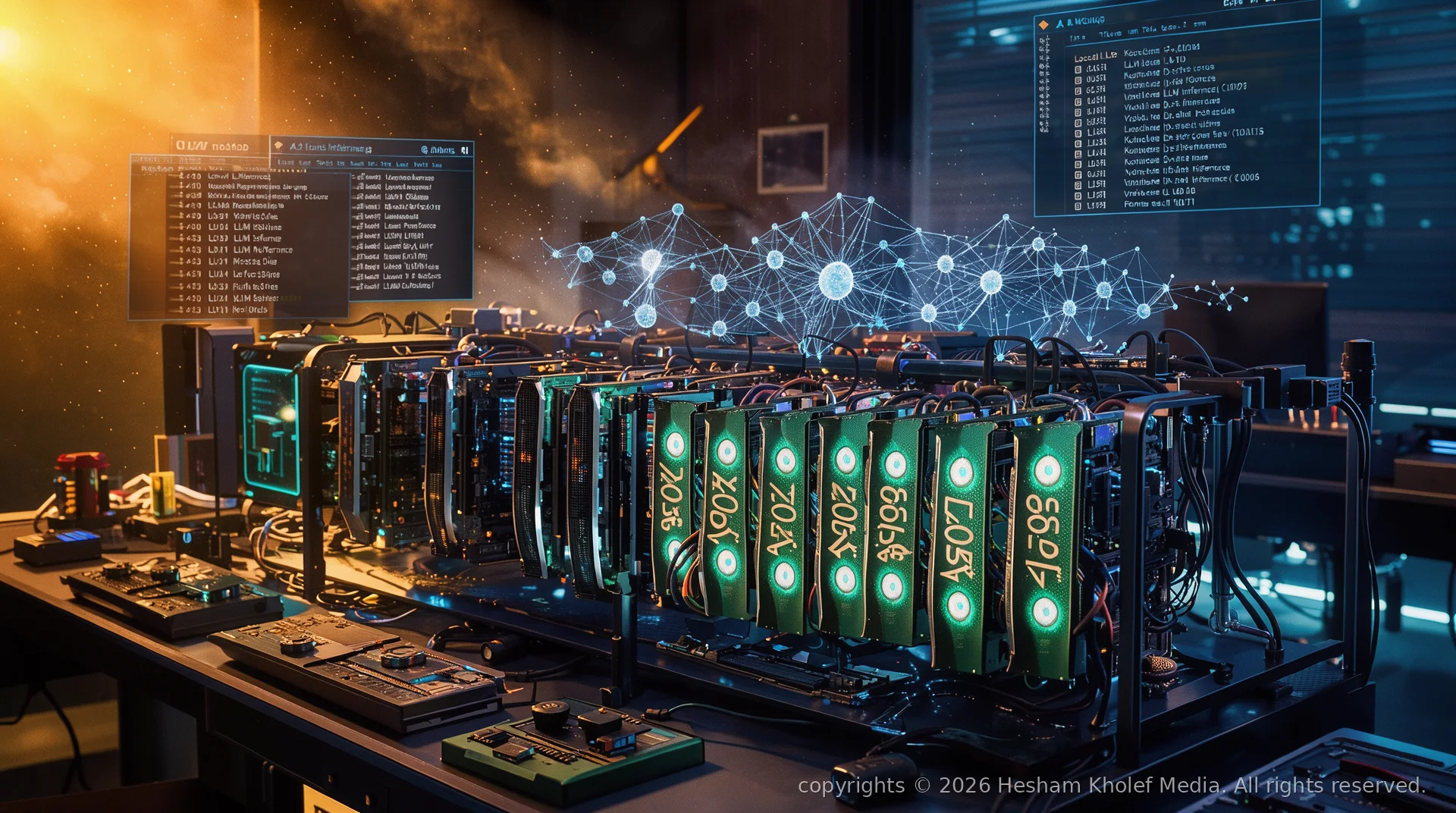
For the past two years, the dominant narrative in AI has been simple: bigger models, bigger clouds, bigger bills. OpenAI, Anthropic, Google, and Azure have convinced the world that intelligence is a utility — something you rent by the token, delivered from distant data centers over HTTPS.
But a quiet revolution is underway. Developers, researchers, and forward-thinking organizations are increasingly asking a different question: What if the model lived on my hardware?
The answer changes everything.
The Hidden Costs of Cloud AI
Cloud APIs seem cheap at first glance. $0.002 per 1K tokens? Trivial. But at scale, the economics invert violently.
- Per-token taxation: Every prompt, every completion, every retry, every embedding — metered. A moderately complex agentic workflow making 50 tool calls per task can cost $0.50–$2.00 per execution. At 10,000 tasks/day, that's $1.5M–$6M annually.
- Data egress & governance: Your proprietary code, customer PII, financial records, strategic plans — all traverse the wire to a third party. Even with "zero retention" policies, you're trusting legal contracts over mathematical guarantees.
- Vendor lock-in: Prompt engineering, function calling schemas, fine-tuning formats — all proprietary. Moving off a provider means rewriting your entire AI layer.
- Latency & availability: Round-trips to us-east-1 add 100–300ms per call. Agentic loops with 10+ steps = seconds of user-visible delay. And when the provider has an outage, you have an outage.
- Rate limits & quotas: Hard caps on RPM/TPM throttle your product's ability to scale organically.
"The cloud is someone else's computer. Local AI is your computer — and the only one that never sends your data away."
— Hesham Kholef
The Local AI Stack: Hardware Reality Check (2024–2025)
Running models locally isn't free — but it's a CapEx investment with zero marginal cost per inference. Once the hardware is paid for, every token is effectively free forever.
Consumer GPU Tiers (Best $/VRAM)
| GPU | VRAM | FP16 Models | Quantized (4-bit) | Approx. Cost | |-----|------|-------------|-------------------|--------------| | RTX 3060 12GB | 12 GB | Up to 7B | Up to 34B | ~$300 | | RTX 4060 Ti 16GB | 16 GB | Up to 13B | Up to 70B | ~$450 | | RTX 3090 / 4090 24GB | 24 GB | Up to 34B | Up to 70B+ | ~$800–$1,800 | | RTX 6000 Ada 48GB | 48 GB | Up to 70B | Up to 180B+ | ~$6,000 |Rule of thumb: For 4-bit quantization (GGUF), you need ~0.5 GB VRAM per billion parameters + 1–2 GB overhead for context. A 70B model at 4-bit fits in 24 GB with room for 8K–32K context.
Apple Silicon: The Unified Memory Advantage
MacBook Pro / Mac Studio with M2/M3 Max/Ultra (64–192 GB unified memory) can run 70B–400B+ parameter models at 4-bit with zero GPU memory pressure. The CPU/GPU/NPU shared pool eliminates VRAM bottlenecks entirely. For pure inference throughput, NVIDIA still wins — but for model capacity per dollar, Apple Silicon is unmatched.
Multi-GPU & Distributed Inference
Tools like llama.cpp (with --split-mode layer), exllamaV2, and vLLM (with tensor parallelism) let you shard models across multiple GPUs — even mismatched ones. Two 24 GB cards = 48 GB effective VRAM for a single 70B model.
Don't overlook system RAM + CPU offloading. llama.cpp can offload layers to system RAM when VRAM is exhausted. It's slower (2–5 tok/s), but it lets you run 70B models on a 16 GB GPU + 64 GB system RAM. Perfect for background batch jobs where latency doesn't matter.
Software: The Local Inference Ecosystem

llama.cpp / GGUF — The Universal Runtime
Georgi Gerganov's llama.cpp is the bedrock. Written in pure C/C++, it runs everywhere: Linux, macOS, Windows, Android, iOS, WebAssembly. The GGUF format bundles model weights, tokenizer, and metadata in a single file. Supports 2-bit through 8-bit quantization, speculative decoding, grammar-constrained sampling, and tool calling.
# Install llama.cpp server (prebuilt binaries available)
# Run a quantized model with OpenAI-compatible API
./llama-server -m models/llama-3.1-70b-instruct-Q4_K_M.gguf \
  --ctx-size 32768 \
  --port 8080 \
  --host 0.0.0.0 \
  --parallel 4 \
  --ubatch-size 512 \
  --flash-attn
Ollama — Docker for LLMs
ollama run llama3.1:70b — that's it. Model management, API server, CLI, and library registry in one binary. Handles quantization selection automatically. Excellent for developers who want zero friction.
LM Studio — The GUI Power User Tool
Desktop app with model discovery, chat interface, local OpenAI-compatible server, and model comparison mode (run multiple models side-by-side). Best for prompt engineering and evaluation workflows.
vLLM / TGI — Production-Grade Serving
When you need high-throughput, batched, PagedAttention serving for multiple concurrent users. vLLM delivers 10–20x throughput over naive llama.cpp for multi-user workloads. The choice for internal platforms serving teams.
Specialized: Whisper.cpp, Kokoro, Piper — Local Speech & TTS
The local stack isn't just LLMs. Whisper.cpp gives you SOTA speech-to-text in 99 languages on CPU. Piper and Kokoro deliver natural TTS in ~50 MB models. Full multimodal pipelines — entirely offline.
Quantization: The Magic That Makes It Possible
Quantization compresses FP16/BF16 weights (2 bytes/param) to 4-bit (0.5 bytes/param) or even 2-bit (0.25 bytes/param) with negligible quality loss.
- Q4_K_M / Q4_K_S (4-bit, k-quant): The sweet spot. ~5% perplexity increase, 4x size reduction. Default recommendation for almost all use cases.
- Q5_K_M / Q6_K: Near-FP16 quality. Use when reasoning fidelity is critical (coding, math, agentic planning).
- Q2_K / Q3_K_M: Aggressive compression. Runs on 8–12 GB VRAM for 70B. Quality degrades noticeably on complex reasoning — avoid for agents.
- AWQ / GPTQ / EXL2: GPU-only formats, faster inference on NVIDIA, but less portable than GGUF.
"Quantization is the single most impactful optimization in LLM deployment history. It turned 'impossible' into 'runs on my laptop'."
— Hesham Kholef
Architectural Patterns Unlocked by Local AI
1. Private RAG at Scale
Embed your entire codebase, Notion wiki, Confluence, PDFs, emails — millions of tokens — into a local vector DB (Qdrant, Chroma, Weaviate, LanceDB). Query with a local embedding model (BGE-M3, Nomic v1.5, MXBAI). Zero data leaves your network. Latency:
Comments (0)