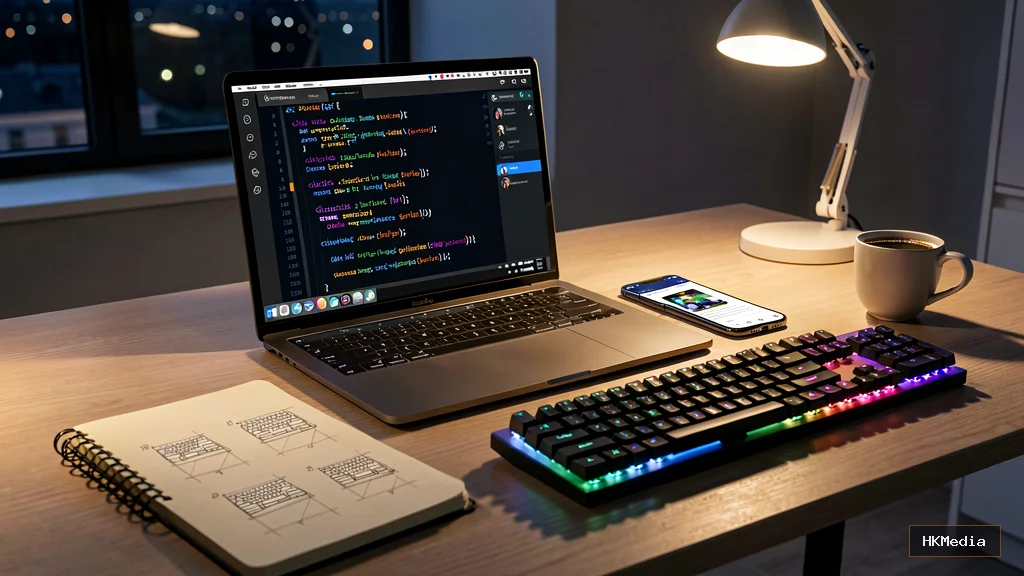
The Spark: Why Build a Mobile App?

Every app begins with a whisper — a frustration, a gap, a "what if." Maybe you've wrestled with a clunky expense tracker, wished for a habit builder that actually understands your rhythm, or spotted a niche community crying out for a dedicated platform. That whisper is your compass. Before writing a single line of code, articulate the problem you're solving in one sentence. "I'm building X to help Y achieve Z." This clarity becomes your north star when scope creep threatens to derail you.
Validate Before You Build
The graveyard of side projects is littered with beautiful code nobody uses. Validation is your insurance policy. Start with conversations: find 5–10 people who embody your target user. Ask open-ended questions — "Walk me through how you currently handle…" — and listen more than you talk. Sketch rough wireframes on paper or in Figma. Show them. Watch where they hesitate. A clickable prototype built in Figma or Marvel can simulate the core flow without a single commit. If users don't click "Get Started" on a prototype, they won't download the app.
"Code is a liability. Every line you write is a line you must maintain, debug, and secure. Write only what the user truly needs."
— Hesham Kholef
Choose Your Tech Stack: Native vs. Cross-Platform
This decision shapes your development velocity, hiring pool, and long-term maintenance. Here's the honest breakdown:
Native (Swift for iOS, Kotlin for Android)
- Pros: Peak performance, full platform API access, native UI feel, first-class tooling (Xcode, Android Studio).
- Cons: Two codebases, two skill sets, double the maintenance.
- Choose when: You need bleeding-edge performance (AR, heavy graphics, real-time audio), deep OS integration, or plan a large team with platform specialists.
React Native (JavaScript/TypeScript + React)
- Pros: Single codebase, massive ecosystem, web developer friendly, hot reload, used by Meta, Shopify, Microsoft.
- Cons: Bridge overhead for heavy native modules, occasional version churn, debugging native crashes can be tricky.
- Choose when: Your team knows React, you want code sharing with a web app, or you need rapid iteration.
Flutter (Dart)
- Pros: Single codebase, consistent 60fps UI via Skia/Impeller, excellent tooling, growing adoption (Google, BMW, eBay), compiles to native ARM.
- Cons: Dart learning curve, larger binary size, smaller third-party library pool than React Native.
- Choose when: Pixel-perfect custom UI matters, you value performance predictability, or you're building for mobile, web, and desktop simultaneously.
If you know JavaScript/TypeScript: React Native (Expo managed workflow). If you're language-agnostic and want the smoothest learning curve with best-in-class tooling: Flutter. Both have excellent documentation, vibrant communities, and "managed" workflows (Expo / Flutter's default tooling) that abstract away Xcode/Android Studio complexity for months.
Architecture & Project Structure: Start Clean

Even a weekend MVP benefits from deliberate structure. A scalable folder layout pays dividends when features multiply:
src/
├── assets/           # Fonts, images, static data
├── components/       # Reusable UI primitives (Button, Card, Input)
├── screens/          # Route-level components (HomeScreen, SettingsScreen)
├── navigation/       # Router config, route names, deep linking
├── state/            # Global state (Zustand, Redux, Riverpod, Provider)
├── services/         # API clients, auth, storage, notifications
├── hooks/            # Custom reusable logic (useAuth, useOfflineSync)
├── utils/            # Pure helpers (date formatting, validation)
├── constants/        # App-wide enums, config, feature flags
└── types/            # TypeScript interfaces / Dart models
Adopt a state-management solution early. For React Native: Zustand (lightweight) or Redux Toolkit (opinionated, scalable). For Flutter: Riverpod (compile-safe, testable) or Bloc (event-driven, verbose but powerful). Avoid prop-drilling; it calcifies into technical debt.
Design System: Consistency Is a Feature
Don't reinvent spacing, color, or typography on every screen. Define a design token system once:
// tokens.ts
export const colors = {
  primary: '#2563EB',
  primaryHover: '#1D4ED8',
  background: '#FFFFFF',
  surface: '#F8FAFC',
  textPrimary: '#0F172A',
  textSecondary: '#64748B',
  border: '#E2E8F0',
  error: '#DC2626',
  success: '#16A34A',
};

export const spacing = {
  xs: 4, sm: 8, md: 16, lg: 24, xl: 32, xxl: 48,
};

export const typography = {
  h1: { fontSize: 32, fontWeight: '700' as const, lineHeight: 40 },
  h2: { fontSize: 24, fontWeight: '600' as const, lineHeight: 32 },
  body: { fontSize: 16, fontWeight: '400' as const, lineHeight: 24 },
  caption: { fontSize: 12, fontWeight: '400' as const, lineHeight: 16 },
};

export const borderRadius = { sm: 4, md: 8, lg: 12, full: 9999 };
export const shadows = {
  sm: { shadowOffset: { width: 0, height: 1 }, shadowOpacity: 0.05, shadowRadius: 2, elevation: 1 },
  md: { shadowOffset: { width: 0, height: 4 }, shadowOpacity: 0.1, shadowRadius: 8, elevation: 4 },
};
Wrap these in a ThemeProvider (React Native) or ThemeData (Flutter). Your future self will thank you when a brand refresh means changing three values, not hunting through fifty files.
Core Features: Build the "Steel Thread" First
Resist the urge to build settings screens, onboarding carousels, or dark mode toggles before the core value loop works. Identify the steel thread — the single user journey that delivers your app's promise. For a habit tracker: "User creates habit → sets frequency → marks complete → sees streak." Build that end-to-end, including offline persistence and error states. Everything else is decoration.
Leverage platform capabilities judiciously:
- Push notifications: Expo Notifications (RN) or firebase_messaging (Flutter). Request permission contextually — after the user completes a meaningful action, not on first launch.
- Biometric auth: expo-local-authentication / local_auth. Fallback gracefully to PIN.
- Offline-first data: RxDB, WatermelonDB (RN) or Drift, Hive (Flutter). Sync when online; never block the UI.
Testing: Confidence Without Ceremony
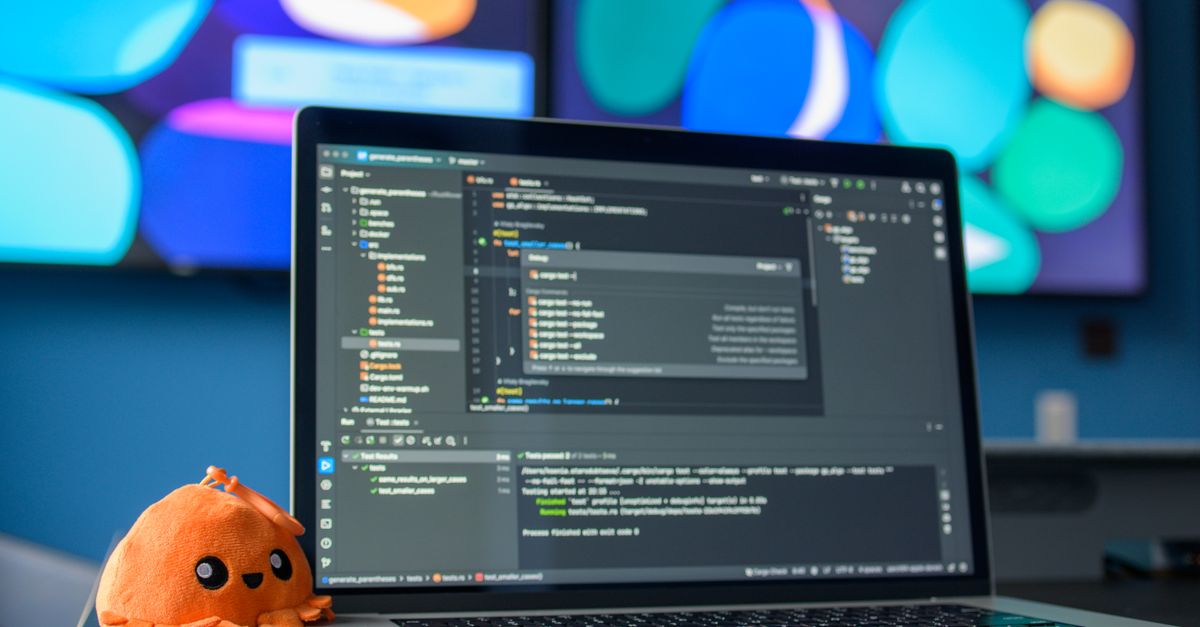
You don't need 100% coverage. You need coverage where bugs hurt most:
- Unit tests for pure logic: date calculations, validation, state reducers. Fast, deterministic, run on every commit.
- Component tests for critical UI: onboarding flow, payment screen, auth forms. React Native Testing Library / flutter_test.
- E2E tests for the steel thread: one happy-path journey from launch to core action. Detox (RN) or integration_test (Flutter). Run on CI before every release.
# Example GitHub Actions snippet for React Native (Expo)
name: CI
on: [push, pull_request]
jobs:
  test:
    runs-on: ubuntu-latest
    steps:
      - uses: actions/checkout@v4
      - uses: actions/setup-node@v4
        with: { node-version: '20', cache: 'npm' }
      - run: npm ci
      - run: npm run test -- --watchAll=false
      - run: npm run lint
      # Detox requires macOS runner for iOS; Android can run on ubuntu
      - uses: reactivecircus/android-emulator-runner@v2
        with: { api-level: 34, force-avd-creation: true }
      - run: npm run detox:android
App Store & Play Console: The Final Gauntlet
Submission is where many first-timers stall. Prepare assets early:
- App Store Connect (iOS): 1024×1024 app icon (no transparency), 3–10 screenshots per device size (6.7", 6.5", 5.5", iPad), privacy policy URL, support URL, age rating, category.
- Play Console (Android): 512×512 high-res icon, feature graphic (1024×500), phone/tablet screenshots, privacy policy, target audience, content rating questionnaire, data safety form.
Use EAS Build (Expo) or flutter build appbundle / flutter build ipa for production binaries. Test on real devices via TestFlight (up to 10,000 testers) and Play Console Internal/Closed Testing tracks. Submit for review with clear, honest release notes. Rejection is common — usually for metadata, privacy policy gaps, or guideline misunderstandings. Read the resolution center, fix, resubmit. Persistence ships.
Post-Launch: Measure, Listen, Iterate
Launch is not the finish line; it's the starting gun. Instrument analytics from day one:
- Product analytics: Amplitude, Mixpanel, or PostHog (self-hostable). Track activation, retention cohorts, feature adoption.
- Crash reporting: Sentry (both platforms). Alert on new crashes; fix before users churn.
- User feedback: In-app feedback widget (Instabug, Beamer), App Store/Play reviews, dedicated email.
Ship small, frequent updates. A two-week cadence keeps momentum, reduces risk, and signals to users (and algorithms) that the app is alive.
Your First App Checklist
- ☐ Problem statement written in one sentence
- ☐ 5+ user interviews conducted
- ☐ Clickable prototype validated
- ☐ Tech stack chosen (React Native/Flutter/Native)
- ☐ Project initialized with design tokens & navigation
- ☐ Steel thread built end-to-end with offline support
- ☐ Unit + component tests covering critical paths
- ☐ E2E test for steel thread passing on CI
- ☐ Store assets prepared (icons, screenshots, privacy policy)
- ☐ TestFlight / Internal Testing build distributed
- ☐ Submitted to App Store & Play Console
- ☐ Analytics + crash reporting live
- ☐ First post-launch iteration planned
Conclusion: The Craft Is in the Continuing
Your first app will be imperfect. It will have bugs you didn't catch, edges you didn't sand, features users never touch. That is not failure — it is the necessary tuition of the craft. Every senior developer you admire once stared at a blank App.tsx or main.dart wondering where to begin. They began. They shipped. They learned. They built again.
The mobile platform is unforgiving but remarkably democratic: a solo developer with a laptop can reach billions. The barrier isn't technical — it's the courage to start, the discipline to finish, and the humility to iterate. Your idea deserves to exist in the world. Open your editor. Write the first line. The rest follows.
Comments (0)